If you look beneath the Nav menu, you’ll find a number of ways to navigate through a Collection, in addition to scrolling and clicking within the List tab.
Next in Seq – Simply advances from one Note to the next, using whatever Sort order is currently being used.
Prior in Seq – Simply retreats from one Note to the previous one, again using the current Sort order.
Search – This will position your cursor within the Search field in the Toolbar. Enter a string of text here, and press Enter or Return to find the first Note containing that string within one of the fields being searched.
Advanced Search – This will bring up a separate window allowing you greater control over some aspects of your search. Note that, after tweaking one or more options here, doing a simple Search will make use of these same options.
Search Next – After finding the first Note matching your search criteria, use this command to go from the last Note found to the next matching Note.
Again, feel free to take advantage of the keyboard shortcuts associated with each of these menu options.
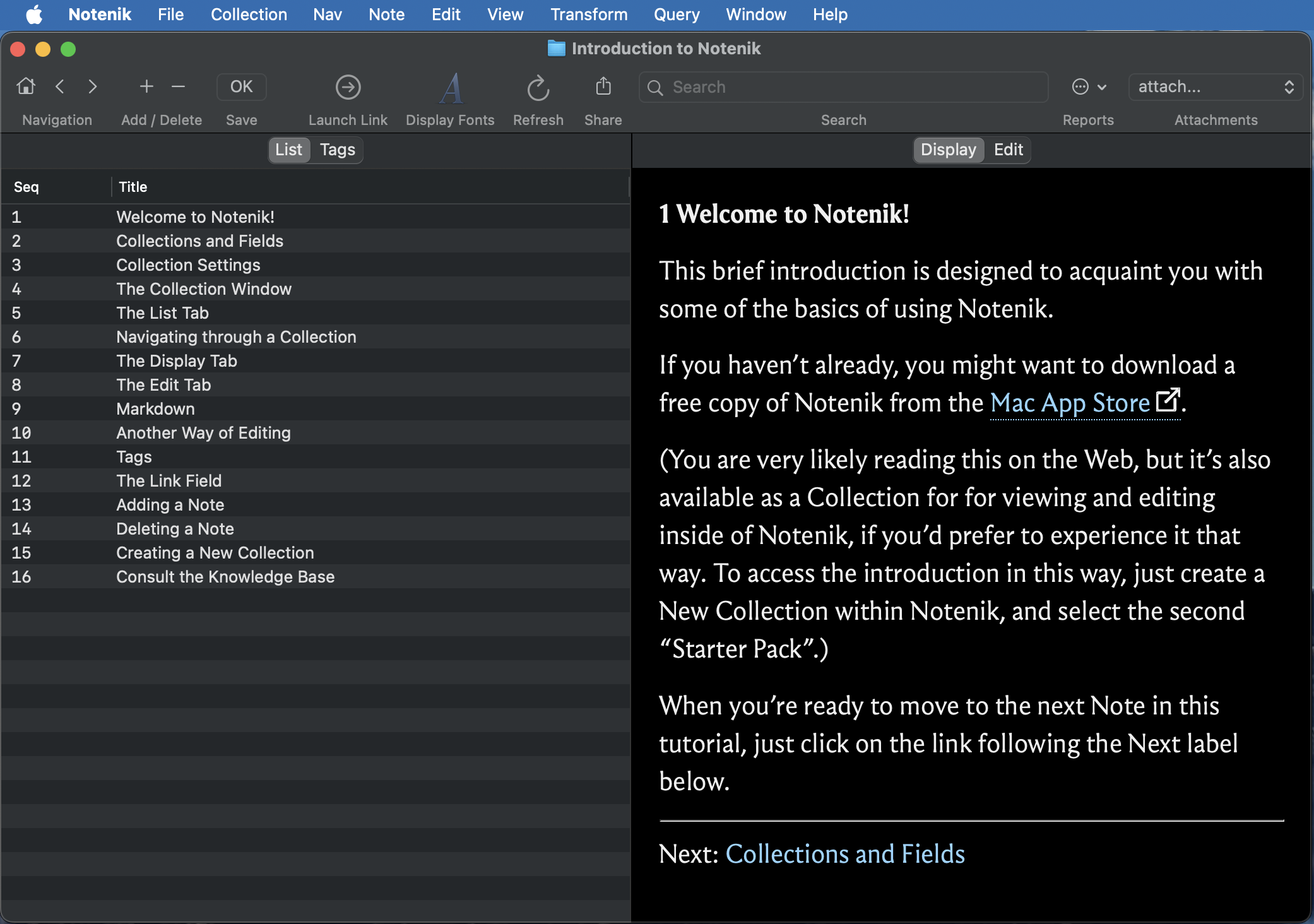
Also, note that the three leftmost buttons on the toolbar allow you to navigate home (to the first Note), to the prior Note, and to the next Note.
Next: The Display Tab