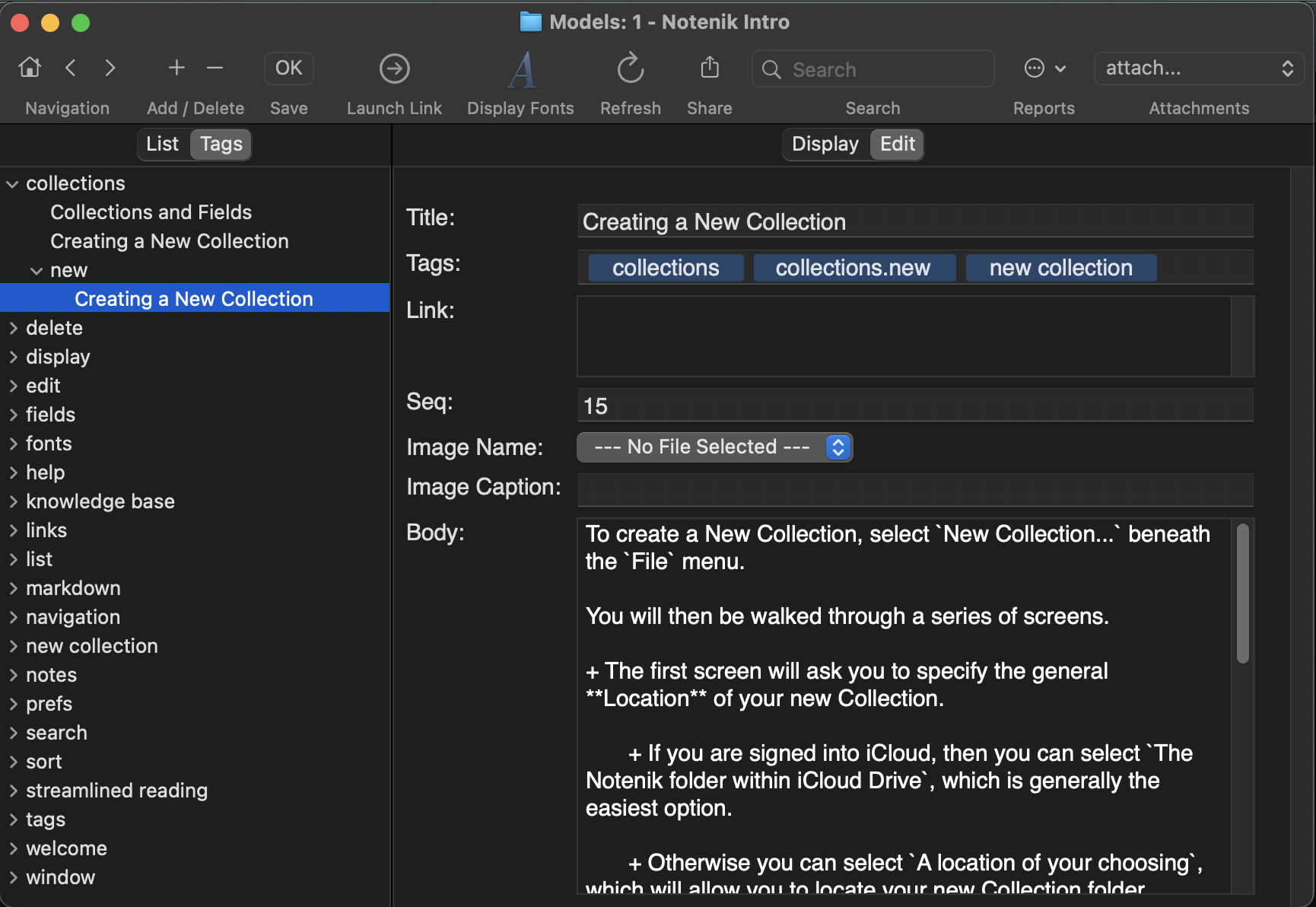
Notenik allows you to assign one or more tags to each Note, and each tag may have one or more levels.
You assign tags to a Note by typing them into the Tags field on the Edit tab.
Once you have entered tags, then you can use the Tags tab – on the left, next to the List tab – to see your Notes organized by tag.
Click on a disclosure triangle to show lower-level tags, or the Notes having a given tag.
Click on a Note’s title within the Tags tab to see the content of the Note appear on the right.
Next: The Link Field